> For the complete documentation index, see [llms.txt](https://docs.pletor.ai/llms.txt). Markdown versions of documentation pages are available by appending `.md` to page URLs; this page is available as [Markdown](https://docs.pletor.ai/models/image-models/previous-generation-image-models/gpt-image-1.md).
# GPT Image 1
An image generation model developed by OpenAI. Outperformed by newer models on most tasks — see our selection guide.
## Overview
Good choice for simple graphic design and stylized content when you need reliable text rendering. Not great at photorealism but excellent for creative visuals.
### **Strengths for marketers**
* **Strong prompt adherence, including text**: Most reliable AI model for generating readable text in images without errors.
* **Style consistency**: Maintains visual consistency across campaigns, especially for 3D illustrations and mascots.
* **Solid layout and graphic design skills**: Excellent at creating on-brand layouts, logos, and graphic design elements.
* **Decent product consistency** (for simple products), requires additional retouch most of the time.
* **Creative versatility**: Strong at style transfers, memes, and creative interpretations of concepts.
### **Ideal use cases**
* **Ad concepts and drafts**: Quick creative ideas and campaign mockups.
* **Simple graphic design**: Flyers, posters, and promotional graphics with reliable text.
* **Brand illustrations**: On-brand 3D illustrations and mascot visuals.
* **Memes**: Social media content and viral marketing materials.
* **Simple charts**: Diagrams and basic infographics with clear labels.
### **Weaknesses**
* Hard to control aspect ratio (tendency not to fit into the frame)
* Heavy editing can significantly alter the original image
* Poor photorealistic quality compared to specialized photo models
* Limited aspect ratios
* 3 reference images maximum
* Signature color bias – images come out with a yellow tint by default. We provide a parameter to remove that:
## Output samples
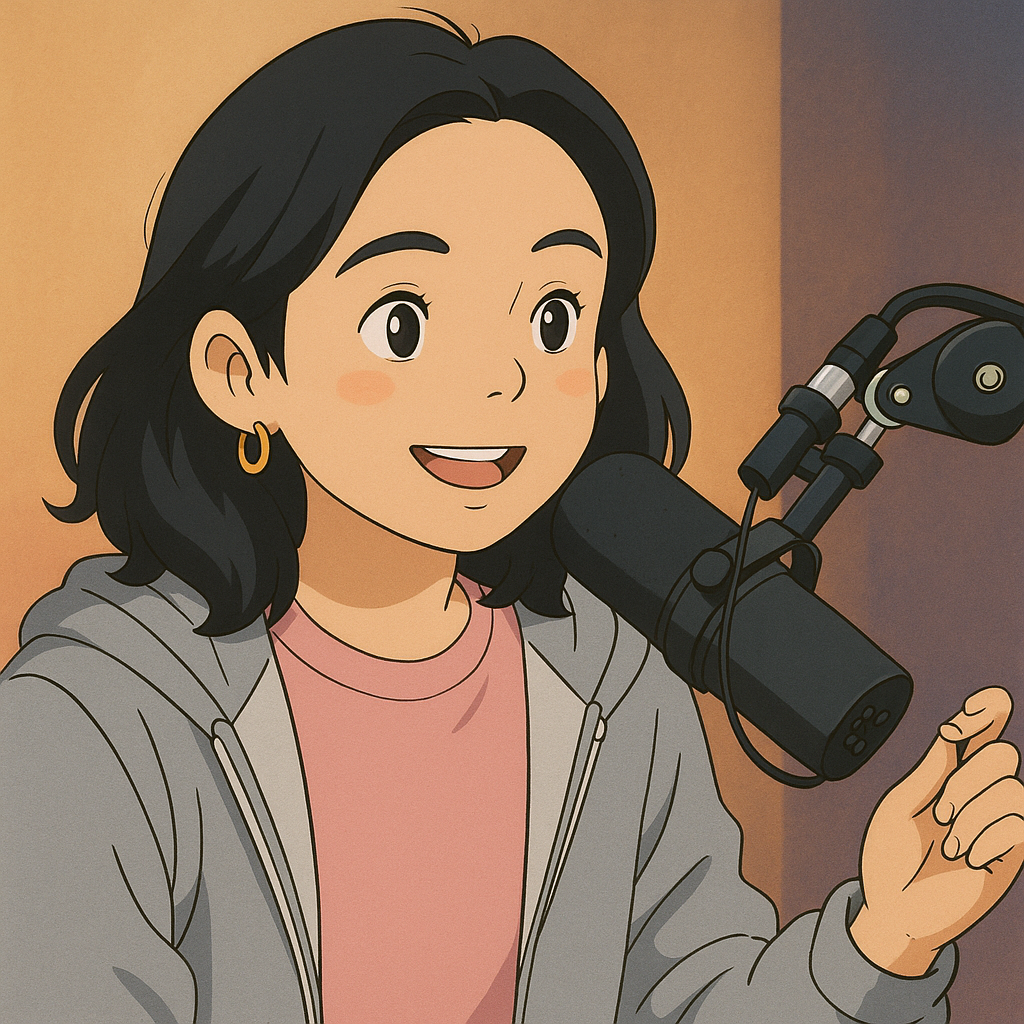
Ghibli style transfer
Crocheted illustration style transfer
In-context mascot visual
Product illustration for a SaaS
Fake Asics ad
***
## How to use effectively
GPT Image-1 excels with clear, specific prompts:
#### **Key tips**
* Be explicit about text content - specify exact words and placement
* Include style descriptors for consistent branding ("flat design," "corporate style")
* Use reference styles for better consistency ("in the style of...")
#### Example prompts
* "Flat design poster with 'SALE 50% OFF' in bold red letters, minimal background"
* "3D cartoon mascot character for tech company, friendly expression, blue and white colors"
* "Simple infographic showing three steps, clean modern style, corporate blue theme"