> For the complete documentation index, see [llms.txt](https://docs.pletor.ai/llms.txt). Markdown versions of documentation pages are available by appending `.md` to page URLs; this page is available as [Markdown](https://docs.pletor.ai/get-started/quickstart.md).
# Quickstart
Let's get you started! We'll start by setting up your account, then jump straight into generating visuals with Pletor flows.
### Sign up
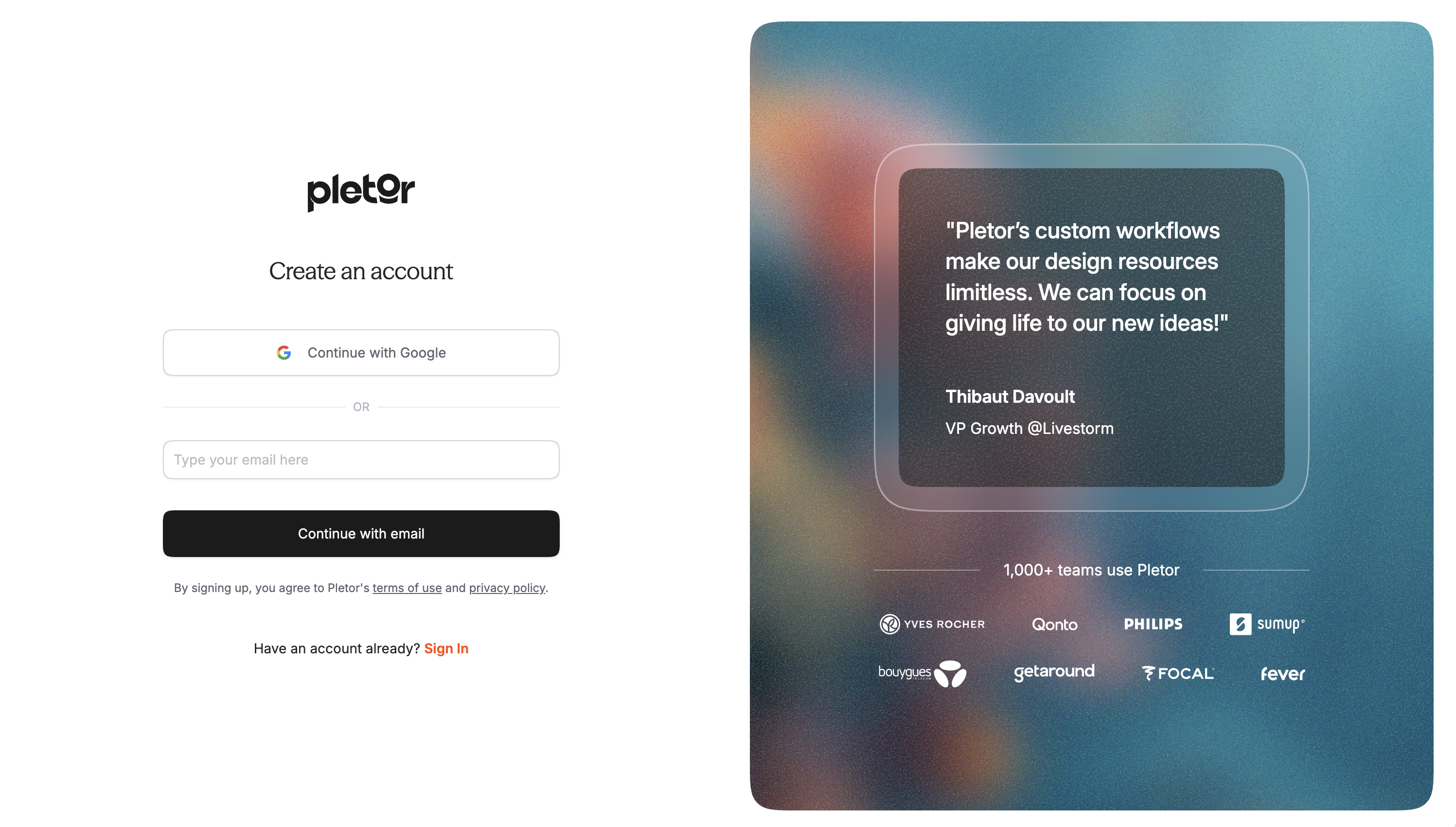
You can create an account directly from [our website](https://pletor.ai/) or [sign up here](https://app.pletor.ai/signup). For the fastest setup, we recommend signing up with Google with your professional email address.
After signing up, you’ll receive an email to verify your address. Once verified, we’ll ask for a few quick details about you, and you’ll be ready to go.
### What's next?
**Two ways to get started.** Pick the one that matches how you work.
* **Create assets with** Pletor's Agent: brief it with what your need, add a product photo, and get results in minutes. → [Create](https://app.pletor.ai/create)
* **Build a Flow.** Chain the best models into a repeatable system. Start from a [template](/build-your-system/templates.md) or [build your own](/build-your-system/agents.md).
Then, to get more out of Pletor:
* Understand the [Key Concepts](/get-started/key-concepts.md) behind Pletor's system.
* **Encode your brand** in a [Brain](/build-your-system/brain.md), so everything you create looks and sounds like you.
### Joining as part of an organization?
If you’re part of a team or company using Pletor, subscribe to a paid plan to get everyone collaborating under one workspace.
### Keep learning
**Academy** is where you go deeper — guided lessons inside Pletor that take you from first run to production pipelines.
→ Open **Academy** from [your workspace](https://app.pletor.ai/learning) to level up at your own pace.