> For the complete documentation index, see [llms.txt](https://docs.pletor.ai/llms.txt). Markdown versions of documentation pages are available by appending `.md` to page URLs; this page is available as [Markdown](https://docs.pletor.ai/automate/scheduled-agents.md).
# Scheduled flows
Your flows, running on a schedule and delivering results directly in your inbox.
{% hint style="info" %}
This feature is only available for Pro & Enterprise users.
{% endhint %}
Marketing is full of recurring tasks that eat up valuable time: daily social media posts, weekly competitor watch, seasonal campaign visuals, creative brainstorming, etc. These repetitive workflows are perfect candidates for automation.
Scheduled flows let you set up these recurring marketing tasks once, then forget about them. Your flows work on your behalf while you focus on strategy and bigger picture initiatives.
### How it works
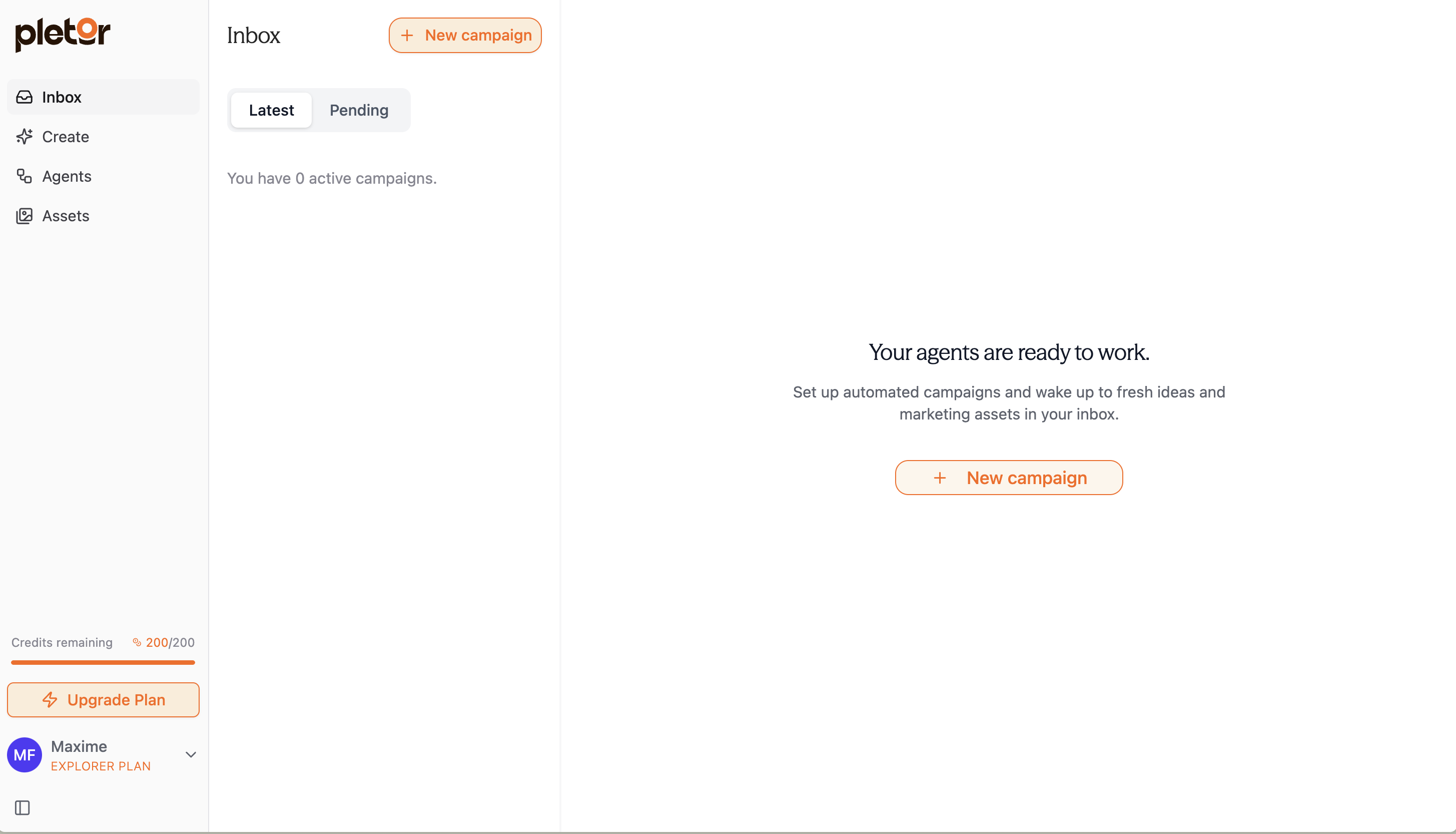
1. Go to [**your Inbox**](https://app.pletor.ai/inbox).
2. Click "**New Campaign**".
3. **Choose a flow** (pre-built or custom): any published flow can be scheduled.
4. **Set your frequency**: daily or weekly.
5. **Configure inputs** - Provide the parameters your flow needs to work autonomously
6. **All set!**
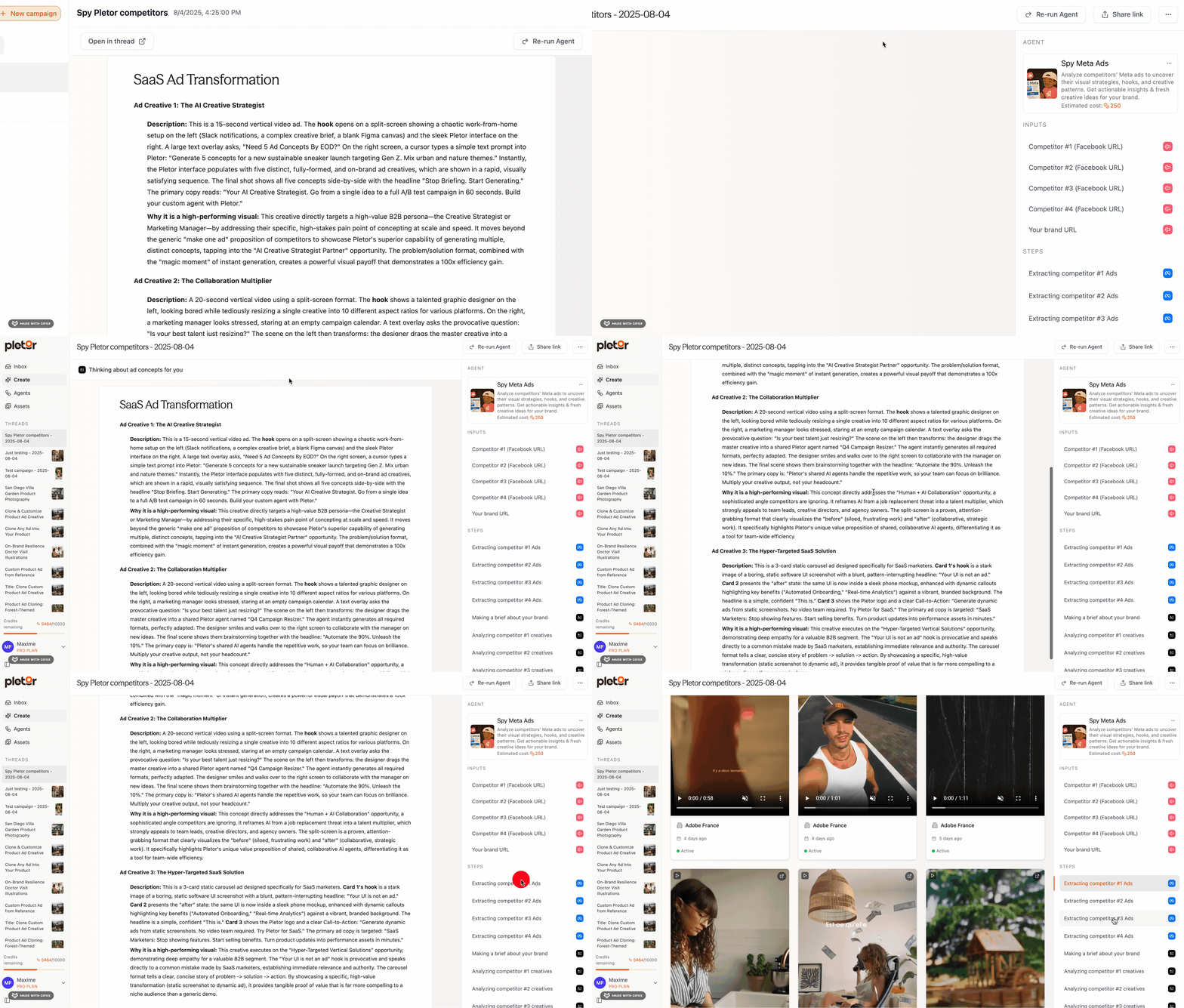
Example of scheduled Pletor Flows
Your flow will automatically generate fresh content on your schedule.
When your scheduled flow completes a task, you'll find the results waiting in your Pletor Inbox. You'll also receive an email notification so you know new assets are ready for review.
***
NB: You can always come back to the flow's detailed work afterwards if needed: